Designmodo Startup F Website Builder Review for Entrepreneurs
Discover everything you need to know about Designmodo Startup F in this in-depth review designed for entrepreneurs. This article explores its features, pricing, ease of use, and performance, helping you understand how Designmodo Startup F can simplify website creation and accelerate your startup’s online presence without heavy coding.
If you're an entrepreneur trying to build a website quickly without diving deep into coding, Designmodo Startup might feel like a breath of fresh air. It’s essentially a drag-and-drop website builder powered by Bootstrap, designed to help you create responsive websites and landing pages in minutes. Instead of starting from scratch, you work with pre-designed blocks and components that snap together like LEGO pieces.
What makes it interesting is that it doesn’t just stop at design—it allows you to export clean, production-ready code. That means you're not locked into a platform forever, which is a huge advantage compared to many traditional website builders. According to official information, the tool offers no-code design, responsive layouts, and fast workflows, making it a practical option for startups looking to launch quickly.
Who Should Use It?
This platform is not for everyone—and that’s actually a good thing. If you’re a complete beginner who wants a super guided experience like Wix, you might find it slightly technical. But if you’re:
A startup founder building an MVP
A marketer creating landing pages
A developer who wants a faster workflow
Then this tool hits the sweet spot. It’s especially valuable for people who want control over design and code without spending weeks building from scratch.
Key Features of Designmodo Startup
Drag-and-Drop Builder
The drag-and-drop editor is where everything begins. You simply pick elements—like headers, forms, pricing tables—and place them on your page. The interface is intuitive enough that even non-tech users can create something decent within hours.
Users often mention how smooth and fast the editing experience is, allowing them to build professional layouts quickly without frustration.
Bootstrap-Based Framework
Here’s where things get powerful. Unlike many no-code builders, Designmodo Startup is built on Bootstrap, one of the most popular front-end frameworks. This means:
Clean, structured code
Mobile-first design
Easy customization for developers
Think of it as having a professional developer quietly working behind the scenes while you focus on design.
Pre-Designed Templates
Templates are the backbone of this platform. You get access to a wide range of ready-made website blocks and layouts, which dramatically reduce development time.
Entrepreneurs love this because instead of staring at a blank page, you start with something polished and tweak it to match your brand.
Responsive Design Capabilities
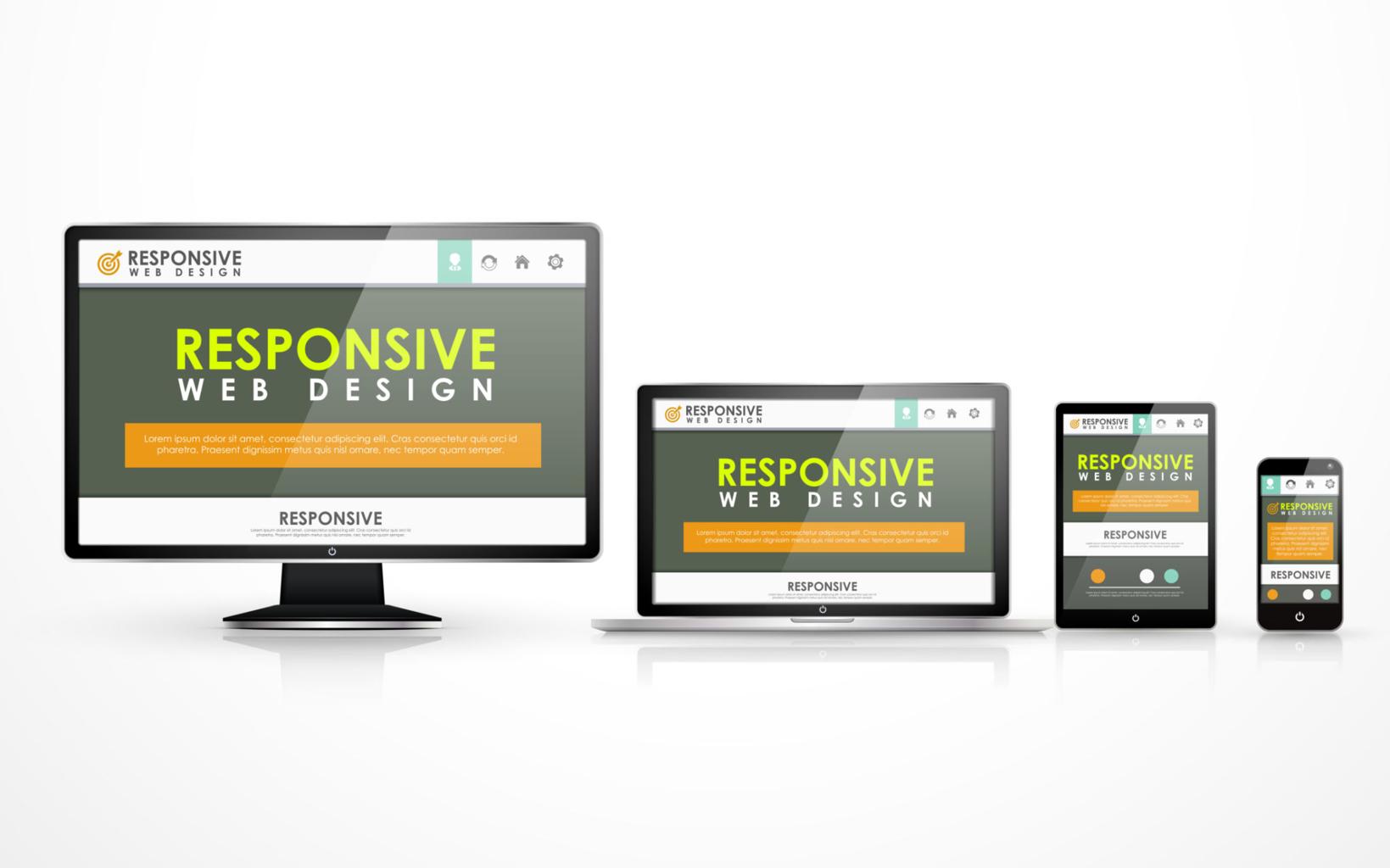
Every website you create is automatically responsive. That means your site will look great on:
Smartphones
Tablets
Desktops
This is critical in 2026, where mobile traffic dominates. The platform ensures your pages adapt seamlessly across devices without extra effort.
How Designmodo Startup Works
Step-by-Step Workflow
Using Designmodo Startup feels surprisingly straightforward once you get the hang of it. Here’s the general flow:
Choose a template or start from scratch
Drag and drop blocks into your layout
Customize text, colors, and images
Preview your design across devices
Export the code or publish
The beauty lies in how quickly you can move from idea to execution.
Ease of Use for Beginners
While it’s labeled as a no-code builder, there’s a slight learning curve—especially if you’ve never worked with web design tools before. But once you understand the interface, things click into place.
Many users report that they can build a complete website in just a few hours, which is incredibly valuable for time-strapped entrepreneurs.
Pricing and Plans
Free vs Paid Features
Designmodo Startup offers a free version, but it comes with limitations. Paid plans start at around $50 per quarter when billed annually.
Here’s a quick comparison:
Feature
Free Plan
Paid Plan
Templates
Limited
Full Access
Code Export
Limited
Full
Customization
Basic
Advanced
Support
Standard
Priority
Is It Worth the Cost?
This depends on your needs. If you’re building a serious startup or client projects, the paid plan is worth it because of:
Faster development
Professional templates
Code export flexibility
However, some users feel the pricing can be slightly high for small businesses.
Pros and Cons
Advantages
Designmodo Startup shines in several areas:
Fast website creation
Clean, exportable code
High-quality templates
Responsive design by default
No heavy technical skills required
It’s like having a shortcut to building modern websites without compromising quality.
Limitations
But let’s be honest—it’s not perfect:
Limited flexibility in some templates
Pricing may feel high for beginners
Slight learning curve for non-designers
Some users also mention wanting more customization options and integrations.
Performance and SEO Capabilities
Page Speed & Optimization
Because it uses Bootstrap and clean code, websites built with Designmodo Startup tend to be lightweight and fast-loading. That’s a big deal for SEO and user experience.
SEO-Friendly Features
The platform supports essential SEO elements like:
Mobile responsiveness
Clean HTML structure
Fast loading times
These factors help improve search engine rankings without requiring advanced optimization skills.
If you’re launching a startup, speed matters more than perfection. Designmodo Startup helps you:
Validate ideas quickly
Launch MVPs faster
Save development costs
Landing Pages and Marketing Sites
It’s also ideal for:
Product launches
Lead generation pages
Marketing campaigns
You can create visually appealing pages without hiring a full development team.
Conclusion
Designmodo Startup is like a hybrid between a no-code builder and a developer tool. It gives you speed, flexibility, and control, which is exactly what entrepreneurs need in the early stages of a business.
It’s not the simplest tool out there, but that’s the trade-off for its power. If you’re willing to spend a little time learning it, the payoff is huge—faster launches, better designs, and complete ownership of your code.
Frequently Asked Question
Is Designmodo Startup good for beginners?
Yes, but expect a small learning curve. It’s easier than coding but slightly more technical than basic builders.
Can I export my website code?
Yes, and this is one of its biggest advantages over competitors.
Is there a free version available?
Yes, but it comes with limited features and templates.
Does it support SEO optimization?
Yes, it provides SEO-friendly structure, responsive design, and fast loading.
Who should avoid this tool?
If you want a fully guided, beginner-only platform with zero learning curve, this may not be ideal.