Best CRM Features Inside Monday.com You Should Be Using
Discover the best CRM features inside Monday.com that can streamline your sales process, boost productivity, and improve customer relationships. Learn how Monday.com helps teams manage leads, automate tasks, and close deals faster.
CRM (Customer Relationship Management) has become one of the most powerful tools for businesses to build and maintain customer relationships. Among the many CRM options available today, Monday.com has gained massive popularity because of its flexibility, simplicity, and customizable features. But here’s the real question—are you using Monday.com CRM to its full potential?
In this guide, we’ll explore the best CRM features inside Monday.com you should be using to streamline your sales process, boost productivity, and close deals faster.
What Is Monday.com CRM?
Monday.com started as a project management platform, but with its flexible structure, it quickly became a strong CRM tool. Unlike traditional CRMs, Monday.com is built to adapt to your workflow, not the other way around.
With Monday.com CRM, you can track leads, manage pipelines, integrate with communication tools, and even automate repetitive tasks—all in one place.
Why Choose Monday.com as a CRM?
Flexibility – Unlike rigid CRMs, Monday.com lets you design pipelines that match your sales process.
Easy Customization – From adding custom fields to building unique dashboards, you can personalize it easily.
Integration Power – Monday.com connects with tools you’re already using like Gmail, Outlook, Slack, and LinkedIn.
Best CRM Features Inside Monday.com
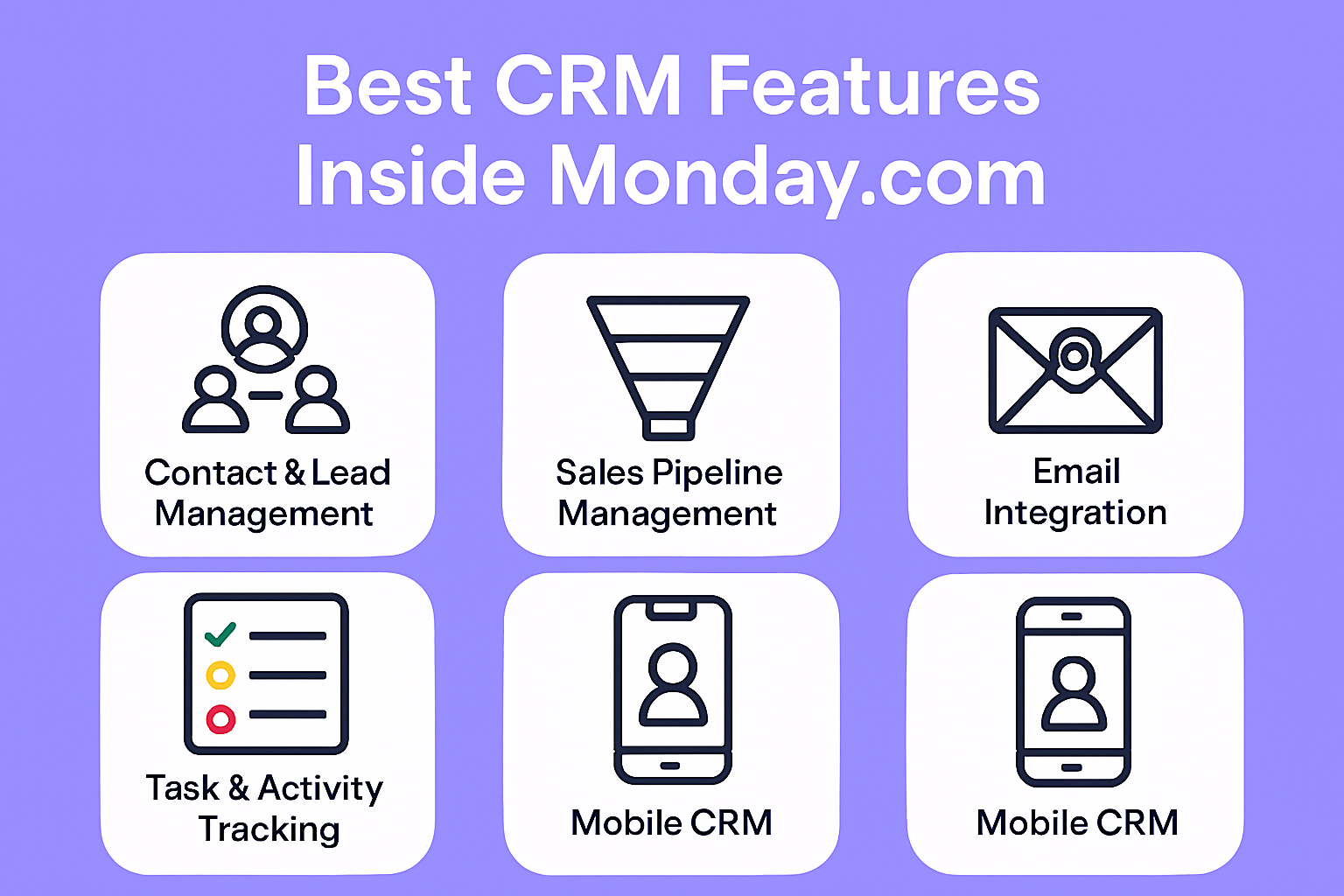
Contact & Lead Management
Keep all your leads and customer data in one centralized location. Easily segment clients by industry, lead status, or priority.
Sales Pipeline Management
Use colorful boards to see each stage of your workflow. Move leads forward using drag-and-drop workflows.
Task & Activity Tracking
Assign tasks to your team, set due dates, and track progress in real time. This guarantees that no lead will evade detection.
Email Integration
Connect your Gmail or Outlook account to Monday.com. Every email conversation is automatically logged under the right contact.
Mobile CRM
Access your CRM from anywhere with the Monday.com mobile app. Stay updated with push notifications on deals and tasks.
Advanced CRM Features for Power Users
Lead scoring: Arrange hot leads based on how involved they are.
Forecasting Tools – Predict future sales trends and set realistic goals.
Custom Dashboards – Create dashboards tailored for executives, managers, or sales reps.
How Monday.com Improves Team Productivity
With real-time collaboration, clear task assignments, and automated workflows, teams spend less time on admin work and more time on selling.
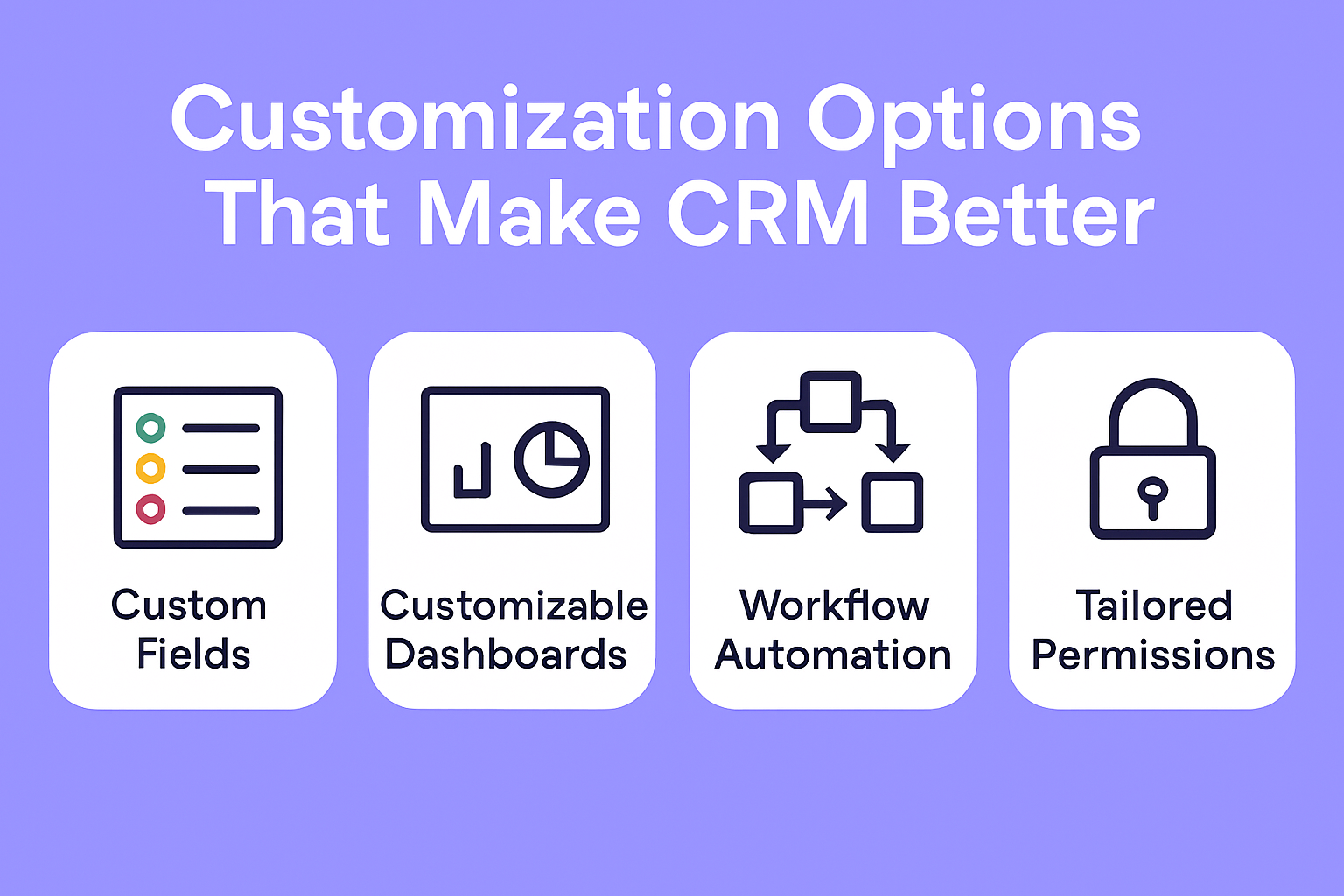
Customization Options That Make CRM Better
Add custom fields like deal size, priority, or region. Create processes that are representative of your particular sales funnel. Monday.com’s flexibility ensures your CRM works the way you do.
Limitations of Monday.com CRM
While Monday.com is excellent for small to mid-sized businesses, very large enterprises with complex workflows might need advanced CRM tools like Salesforce.
With AI features and smarter automation on the horizon, Monday.com is evolving to make CRM even more powerful and intuitive.
Step-by-Step Guide to Setting Up Monday.com CRM
Start with a CRM template
Import or add contacts
Set up pipelines and workflows
Add automations for follow-ups
Create dashboards for reporting
Best Practices for Sales Teams Using Monday.com
Keep your CRM data clean and updated
Use automations to save time
Review dashboards weekly for insights
Conclusion
Monday.com is more than just a project management tool—it’s a powerful CRM that can transform the way you manage leads, track sales, and collaborate with your team. By leveraging its best features, you can simplify your sales process, improve team efficiency, and drive revenue growth.
Frequently Asked Question
Is Monday.com a good CRM for small businesses?
Yes, Monday.com is excellent for small businesses thanks to its flexibility and affordability.
Can I integrate Monday.com with my email?
Absolutely! You can connect Gmail and Outlook for seamless communication tracking.
Does Monday.com CRM support automation?
Yes, you can automate tasks like follow-ups, deal progression, and notifications.
How customizable is Monday.com CRM?
It’s highly customizable—you can add custom fields, workflows, and dashboards to fit your business.
Is Monday.com better than Salesforce?
For smaller teams, Monday.com is easier to use, while Salesforce is better suited for large enterprises with complex CRM needs.